
Câu hỏi mẫu1 / 8
Từ vựng chủ đề Máy tính, CNTT - Computer
Học các từ quan trọng về phần cứng, phần mềm, internet và lập trình — chia theo trình độ Cơ bản, Trung cấp và Nâng cao, kèm ví dụ và phát âm.
Phù hợp công việc & IELTS
Miễn phí · Không cần thẻ · Lưu tiến độ học của bạn
Topic preview
Computer · Máy tính, CNTT
86 từCơ bản · 31Trung cấp · 36Nâng cao · 19
86 từ
- Cơ bảncomputernounmáy tính
- Cơ bảnlaptopnounmáy tính xách tay
- Cơ bảnscreennounmàn hình
- Cơ bảnmonitornounmàn hình máy tính
- Cơ bảnkeyboardnounbàn phím
+ 81 từ khácHọc theo trình độ →
Mini test 5–10 phút
Bạn biết bao nhiêu từ thuộc chủ đề Máy tính, CNTT?
Làm bài test ngắn để biết bạn đang mạnh / yếu ở nhóm Cơ bản, Trung cấp hay Nâng cao trong chủ đề này. Kết quả giúp Hoctumoi chọn đúng từ để bạn học tiếp.
- Chỉ 5–10 phút, làm trên điện thoại được
- Báo cáo theo 3 nhóm Cơ bản / Trung cấp / Nâng cao
- Gợi ý lộ trình học phù hợp với điểm yếu của bạn
Một số từ vựng tiêu biểu theo trình độ
Hoctumoi sắp xếp từ vựng theo từng cấp độ CEFR (A1 → C2) để bạn dễ chọn đúng trình độ và học không bị quá tải.
Từ vựng trình độ A1
Cơ bảnA1
computer
nounmáy tính
“I use my computer for work and study.”

Cơ bảnA1
laptop
nounmáy tính xách tay
“She brought her laptop to the cafe.”
Cơ bảnA1
screen
nounmàn hình
“Don't sit too close to the screen.”
Cơ bảnA1
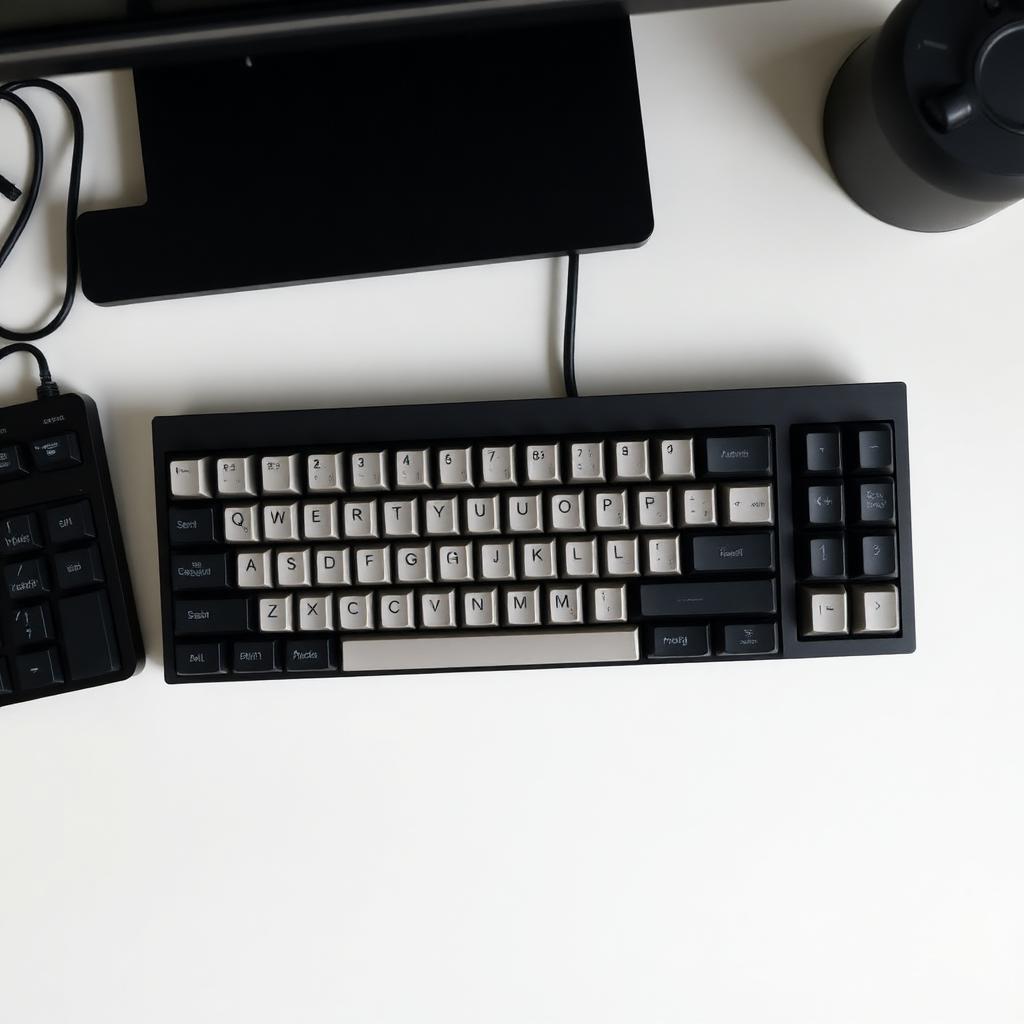
keyboard
nounbàn phím
“Type your password on the keyboard.”

Cơ bảnA1
mouse
nounchuột
“I need a new wireless mouse.”
Cơ bảnA1
click
verbnhấp chuột
“Click here to continue.”
Cơ bảnA1
type
verbđánh máy
“She can type very fast.”
Cơ bảnA1
save
verblưu (file)
“Remember to save your work.”
Cơ bảnA1
open
verbmở (file)
“Open the file with this program.”
Cơ bảnA1
close
verbđóng (file)
“Close all the tabs before shutting down.”
Cơ bảnA1
delete
verbxóa
“Delete the old files to save space.”
Cơ bảnA1
copy
verbsao chép
“Copy the link and send it to me.”
Cơ bảnA1
paste
verbdán
“Paste the text into the email.”
Cơ bảnA1
file
nountệp
“I can't find this file anywhere.”
Cơ bảnA1
folder
nounthư mục
“Create a new folder for your photos.”
Cơ bảnA1
thư điện tử
“I'll send you an email tomorrow.”
Cơ bảnA1
website
nountrang web
“This website is very useful for learners.”
Cơ bảnA1
internet
nounmạng internet
“The internet is slow today.”
Cơ bảnA1
online
adj / advtrực tuyến
“Most students study online now.”
Cơ bảnA1
search
verbtìm kiếm
“Search for the answer on Google.”
Cơ bảnA1
app
nounứng dụng
“I use this app every day.”
Cơ bảnA1
phone
nounđiện thoại
“My phone connects to the computer easily.”
Từ vựng trình độ A2

Cơ bảnA2
monitor
nounmàn hình máy tính
“I bought a bigger monitor for my desk.”
Cơ bảnA2
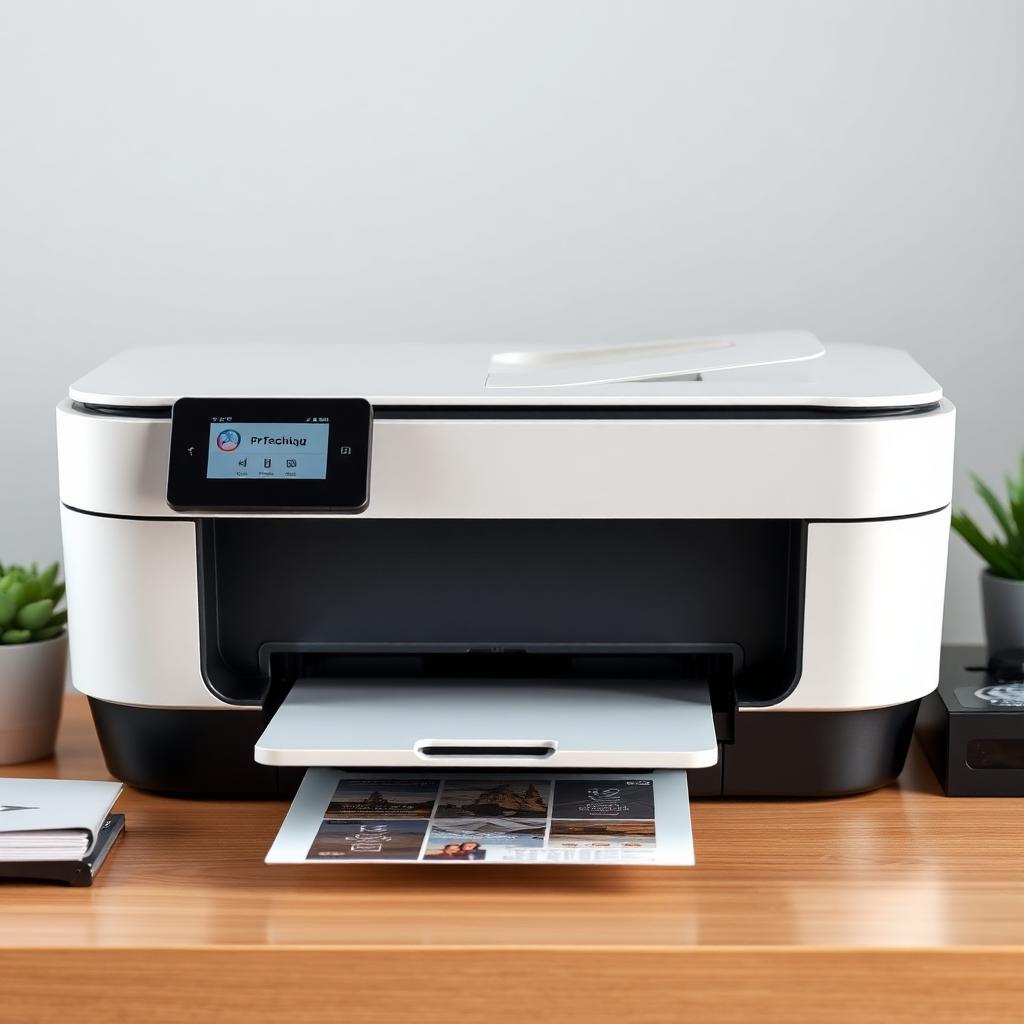
printer
nounmáy in
“The printer is out of paper.”
Cơ bảnA2
password
nounmật khẩu
“Use a strong password for your account.”
Cơ bảnA2
username
nountên đăng nhập
“Please enter your username.”
Cơ bảnA2
log in
verbđăng nhập
“You need to log in to view this page.”
Cơ bảnA2
log out
verbđăng xuất
“Don't forget to log out on shared computers.”
Cơ bảnA2
offline
adj / advngoại tuyến
“I'll be offline tonight.”
Cơ bảnA2
download
verbtải về
“You can download the app for free.”
Cơ bảnA2
upload
verbtải lên
“Upload your photo to the form.”
Từ vựng trình độ B1
Trung cấpB1
software
nounphần mềm
“This software helps me edit photos.”
Trung cấpB1
hardware
nounphần cứng
“The hardware needs to be upgraded.”
Trung cấpB1
device
nounthiết bị
“I have several devices connected to Wi-Fi.”
Trung cấpB1
browser
nountrình duyệt
“Open the website in a different browser.”

Trung cấpB1
server
nounmáy chủ
“The server is down for maintenance.”
Trung cấpB1
database
nouncơ sở dữ liệu
“All customer data is in this database.”
Trung cấpB1
network
nounmạng
“Connect to the office network first.”
Trung cấpB1
wireless
adjkhông dây
“Almost all modern devices are wireless.”
Trung cấpB1
memory
nounbộ nhớ
“This phone has 128 GB of memory.”
Trung cấpB1
storage
nounlưu trữ
“Cloud storage makes backups easy.”
Trung cấpB1
battery
nounpin
“My laptop battery lasts about 8 hours.”
Trung cấpB1
charger
nounbộ sạc
“I forgot my charger at the office.”
Trung cấpB1
update
noun / verbcập nhật
“Please update the software to the latest version.”
Trung cấpB1
install
verbcài đặt
“I need to install a new printer driver.”
Trung cấpB1
uninstall
verbgỡ cài đặt
“Uninstall any app you don't use.”
Trung cấpB1
backup
nounbản sao lưu
“Always keep a backup of important files.”
Trung cấpB1
restart
verbkhởi động lại
“Try to restart your computer.”
Trung cấpB1
shutdown
noun / verbtắt máy
“Shutdown the system before unplugging.”
Trung cấpB1
virus
nounvi-rút máy tính
“Don't open emails that may contain a virus.”
Trung cấpB1
cloud
nounđám mây
“Save your photos in the cloud.”
Trung cấpB1
Wi-Fi
nounWi-Fi
“The Wi-Fi signal is weak here.”
Trung cấpB1
screenshot
nounảnh chụp màn hình
“Send me a screenshot of the error.”
Trung cấpB1
shortcut
nounphím tắt
“Ctrl + C is a common shortcut to copy.”
Trung cấpB1
code
noun / verbmã lệnh, lập trình
“He learned to code in two months.”
Trung cấpB1
program
noun / verbchương trình
“Open the program from your desktop.”
Trung cấpB1
application
nounứng dụng
“This application has many useful features.”
Trung cấpB1
user
nounngười dùng
“The app has over a million users.”
Trung cấpB1
data
noundữ liệu
“We collect data to improve our service.”
Trung cấpB1
settings
nouncài đặt
“You can change the language in settings.”
Trung cấpB1
icon
nounbiểu tượng
“Click the gear icon to open settings.”
Trung cấpB1
tab
nounthẻ (trình duyệt)
“I have too many tabs open.”
Từ vựng trình độ B2
Trung cấpB2
antivirus
nounphần mềm diệt virus
“Install antivirus software on all devices.”
Trung cấpB2
firewall
nountường lửa
“A firewall protects your network from attacks.”
Trung cấpB2
bandwidth
nounbăng thông
“Video calls use a lot of bandwidth.”
Trung cấpB2
default
adj / nounmặc định
“The default browser is Chrome.”
Trung cấpB2
log
nounnhật ký hệ thống
“Check the log to find the error.”
Từ vựng trình độ C1
Nâng caoC1
algorithm
nounthuật toán
“The algorithm decides what you see on the feed.”
Nâng caoC1
encryption
nounsự mã hóa
“End-to-end encryption protects your messages.”
Nâng caoC1
cybersecurity
nounan ninh mạng
“Cybersecurity is a growing field.”
Nâng caoC1
artificial intelligence
nountrí tuệ nhân tạo
“Artificial intelligence is changing many industries.”
Nâng caoC1
machine learning
nounhọc máy
“Machine learning powers many modern apps.”
Nâng caoC1
cloud computing
nounđiện toán đám mây
“Cloud computing has reduced infrastructure costs.”
Nâng caoC1
blockchain
nounchuỗi khối
“Blockchain technology is used in cryptocurrencies.”
Nâng caoC1
interface
noungiao diện
“The user interface is clean and modern.”
Nâng caoC1
framework
nounkhung lập trình
“React is a popular JavaScript framework.”
Nâng caoC1
open source
adjmã nguồn mở
“Many open source tools are free to use.”
Nâng caoC1
deployment
nounviệc triển khai
“The deployment will take place tonight.”
Nâng caoC1
debug
verbgỡ lỗi
“It took hours to debug the code.”
Nâng caoC1
API
noungiao diện lập trình ứng dụng
“The app uses several public APIs.”
Nâng caoC1
latency
nounđộ trễ
“Low latency is crucial for online games.”
Nâng caoC1
phishing
nounlừa đảo qua mạng
“Phishing emails try to steal your password.”
Nâng caoC1
malware
nounphần mềm độc hại
“Malware can damage your files.”
Nâng caoC1
automation
nountự động hóa
“Automation can replace repetitive tasks.”
Nâng caoC1
open-source
adjmã nguồn mở
“Linux is an open-source operating system.”
Từ vựng trình độ C2
Nâng caoC2
scalability
nounkhả năng mở rộng
“Scalability is a key concern for startups.”
Lộ trình 5 bước
Gợi ý 5 bước học chủ đề này
Một lộ trình nhẹ nhàng để bạn từ chỗ chưa biết gì đến tự tin với chủ đề Máy tính, CNTT.
- Bước 1
Làm quen nhóm Cơ bản
Học 20 từ thông dụng nhất về máy tính, internet và thao tác hằng ngày.
- Bước 2
Mở rộng nhóm Trung cấp
Thêm các từ về phần mềm, phần cứng, mạng và bảo mật cơ bản.
- Bước 3
Thử sức nhóm Nâng cao
Tiếp cận từ chuyên ngành: AI, machine learning, cybersecurity.
- Bước 4
Ôn lại từ sai
Hoctumoi lặp lại đúng những từ bạn còn yếu (spaced repetition).
- Bước 5
Mini test & xem kết quả
Làm bài kiểm tra ngắn để đo tiến bộ và phát hiện điểm yếu còn lại.
Chủ đề liên quan
Mở rộng vốn từ sang các chủ đề gần với Máy tính, CNTT.
Hot
86 từ4.120
Toán & Khoa học
Chủ đề Toán & Khoa học.
Cơ bản · 31Trung cấp · 36Nâng cao · 19
86 từ4.120
Vật lý & Hóa học
Chủ đề Vật lý & Hóa học.
Cơ bản · 31Trung cấp · 36Nâng cao · 19
86 từ4.120
Kỹ thuật
Chủ đề Kỹ thuật.
Cơ bản · 31Trung cấp · 36Nâng cao · 19
86 từ4.120
Sinh học
Chủ đề Sinh học.
Cơ bản · 31Trung cấp · 36Nâng cao · 19
Vì sao nên học từ vựng chủ đề Máy tính, CNTT?
Trong môi trường làm việc hiện nay, gần như mọi công việc văn phòng đều xoay quanh máy tính, email, file và phần mềm. Nếu bạn làm việc với khách hàng hoặc đồng nghiệp nước ngoài, không biết các từ như backup, install, update, log in sẽ khiến bạn lúng túng dù chuyên môn rất tốt. Ngoài ra, technology cũng là một trong những chủ đề ăn điểm cao nhất trong IELTS Writing Task 2 — biết dùng đúng artificial intelligence, automation, cybersecurity là điều giám khảo rất thích.
Học từ vựng Máy tính, CNTT theo Cơ bản, Trung cấp, Nâng cao như thế nào?
Nhóm Cơ bản (A1–A2) là vốn từ ai cũng cần: laptop, mouse, click, save, password, email. Nhóm Trung cấp (B1–B2) bổ sung software, hardware, cloud, backup, install — đây là vốn từ giúp bạn xử lý công việc hằng ngày tự tin. Nhóm Nâng cao (C1–C2) bao gồm algorithm, encryption, AI, cybersecurity — phù hợp cho công việc IT, đọc tin công nghệ và essay IELTS band 7.0+.
Hoctumoi giúp bạn học chủ đề Máy tính, CNTT hiệu quả hơn ra sao?
Mỗi từ đi kèm hình ảnh thiết bị thật và ví dụ ngắn dùng được trong email công việc. Flashcard và mini test giúp bạn nhớ nhanh, spaced repetition tự nhắc bạn ôn đúng lúc — đặc biệt quan trọng với các thuật ngữ chuyên ngành dễ quên. Báo cáo trực quan theo 3 nhóm trình độ cho bạn biết bạn đã sẵn sàng để trao đổi với đối tác hoặc viết essay về technology hay chưa.
Câu hỏi thường gặp